
I built a React Native App to Manage Netlify Hosted Sites
Introducing Netli.fyi, a React Native app for managing your Netlify-hosted sites from your phone — checking deploys, build status, and site details on the go.

Introducing Netli.fyi
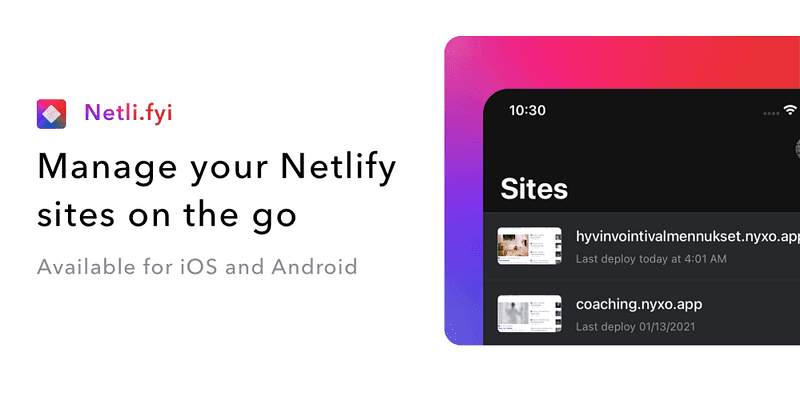
I am excited to announce the release of Netli.fyi, a mobile app that allows you to manage your Netlify sites on the go. Built with React Native, the app uses the Netlify API to provide you with easy access to information about your sites, builds, deployments, and form submissions.
As a full-stack developer, I have used Gatsby, Publish, and NextJS to build a number of websites and web apps over the past years. I have chosen to host most of these sites on Netlify because of its ease of use and powerful features like deploy previews, form submissions, and functions. While the Netlify website is great for managing your sites on a desktop browser, I wanted a faster and more convenient way to do so on mobile, which led me to create Netli.fyi.
Netli.fyi is built with React Native and utilizes several packages including:
- react-navigation
- react-native-svg
- react-native-vector-icon
- react-native-app-auth.
I am currently working on adding the ability to redeploy sites and view Netlify Functions information within the app. In the future, I also plan to add an iOS home screen widget and potentially incorporate a subset of features into an Apple AppClip for easier access.
The app is available for both iOS and Android for the price of a cup of tea, but you can also join the open beta programs for either platform to try it out. I would love to hear your feedback and what features you would like to see in the future.

Comments
No comments yet. Be the first to share your thoughts.
Leave a comment
Comments are moderated before they appear.